
Rabba Foods
Jun 12, 2026$48.20
You don’t want a budget. You want to see where your money goes. Taffy turns the chore into a tap — a deck of transactions, one tap each, sorted.
Free on iPhone · Connect any Canadian or US bank securely via Plaid
No budgets to babysit. Four screens take you from a messy feed to your whole spending story.
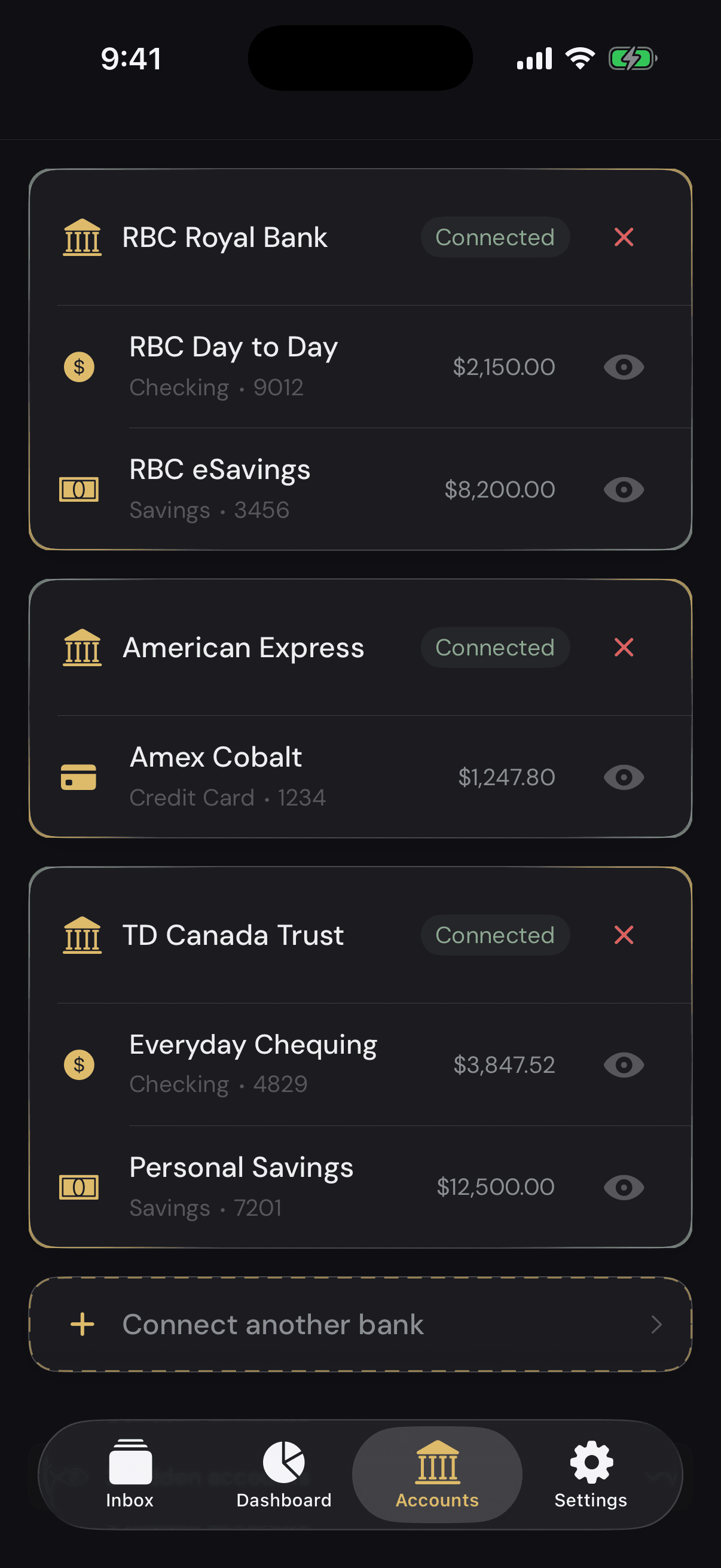
Securely connect any Canadian or US bank through Plaid — read-only and bank-grade. Taffy pulls your transactions in; it can never move a cent.
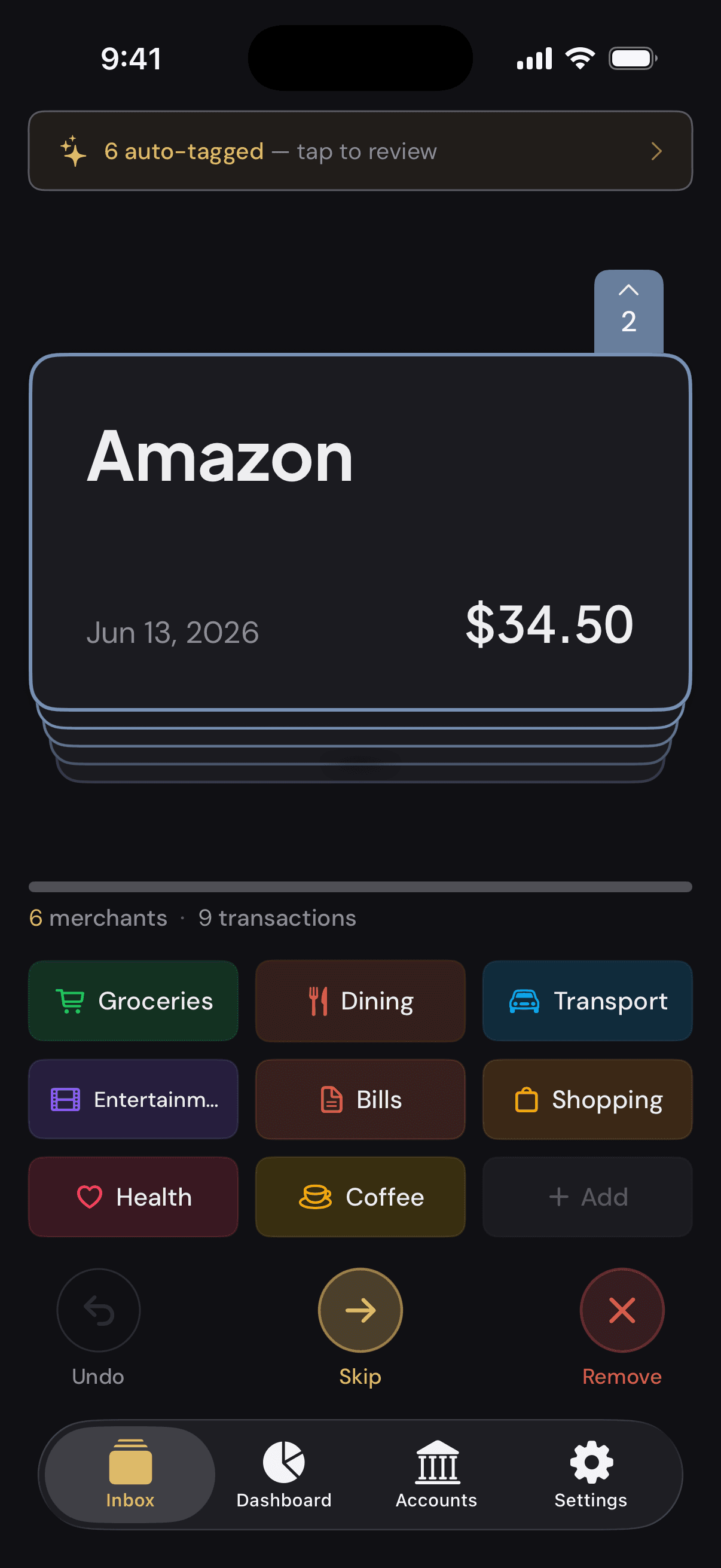
Each charge pops up as a card — tap a category button and it's bucketed. Frequent purchases get auto-tagged, so it's faster every time.
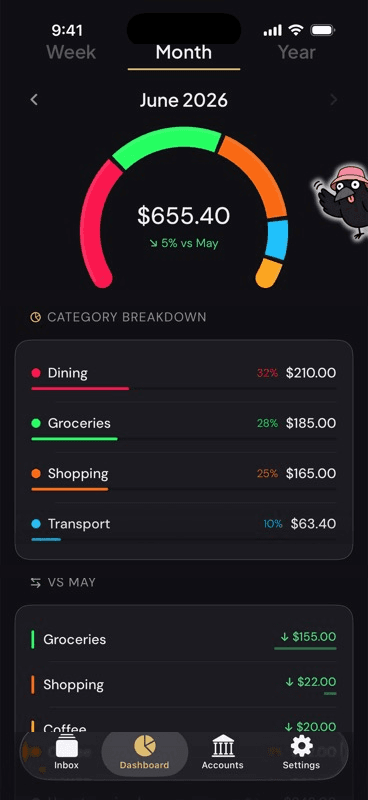
Every category sized by what you spent, and measured against last month — up or down, at a glance. The whole story on one screen, no scrolling.
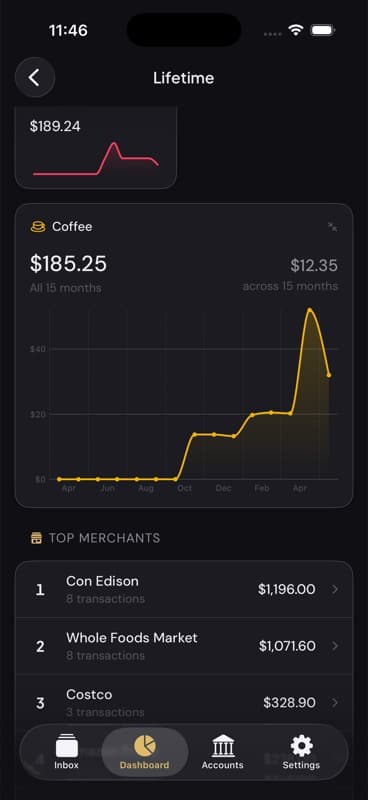
Zoom from this week to this year to all-time. See month-to-month breakdowns and spending charts, with your top merchants and totals always in view.
What Taffy is, how it reaches your bank, and what it costs.
No. Taffy is a spending tracker, not a budgeting app. There are no budgets to set, no envelopes to fund, no savings goals, and no monthly reset ritual. You sort transactions that have already happened into buckets, and Taffy shows you where your money actually went.
Taffy connects through Plaid, the same bank-linking service used by major finance apps. You enter your credentials with Plaid, never with Taffy — the app never sees, handles, or stores your bank username or password. The connection is read-only: Taffy can pull your transactions in, but it can never move money.
Taffy supports banks and credit cards across Canada and the United States through Plaid, covering the major institutions in both countries.
Taffy is free to download and free to use with one bank connected — the whole app, every feature, with no timer on the core experience. Taffy+ costs CA$6.99 per month or CA$39.99 per year and unlocks unlimited bank and card connections. New accounts start with a 30-day Taffy+ trial; when it ends you keep everything, with one connected bank.
Under a minute at a time. Each new transaction shows up as a card, and you tap a category button to bucket it. Merchants you have sorted before get tagged automatically, so the deck gets shorter the longer you use it.
Not yet. Taffy is a native iPhone app and is currently available on the App Store for iOS only.

Taffy’s on the App Store — free to download. Connect your bank and sort your first deck in under a minute.